
Groups and org chart
Groups split the community into classes, teams and departments; they can nest inside each other, have a leader, be everyone's default group and open spaces. The org chart shows who reports to whom.
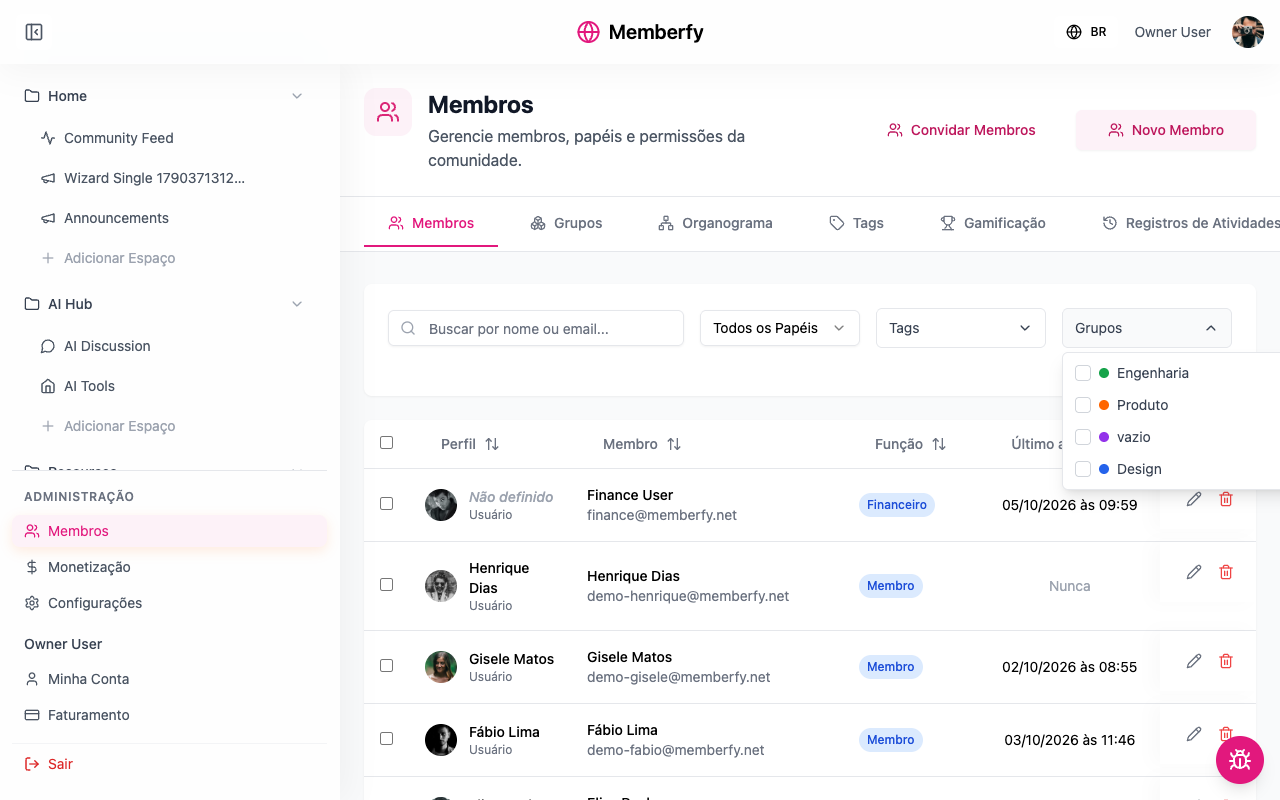
Groups split the community: a class, a department, a squad, the board. Unlike tags, a group grants access: a private space can be opened to a single group. The org chart is a separate but related thing: who reports to whom.
What they're for
| Community | Groups | What for |
|---|---|---|
| Online school | March class, April class | Each class's room, opened to the group |
| Company (HR) | Engineering, Product › Design, Board | Spaces per department; the company's org chart |
| Coworking space | Residents, House team | The residents' board; the team's space |
| Association | Board, Council | The board's room |
How it works
The group
| Field | What for |
|---|---|
| Name | E.g. Class of 2026, Marketing, Wednesday mentoring |
| Inside | The parent group, if any (Design inside Product) |
| Color | How the group is shown |
| Led by | The group's leader |
| Default group for the community | "Everyone joins this group — the people already here and whoever signs up later. Unticking it removes nobody." |
| Who is in this group | The people |
A person can be in several groups. The group marked with a star is their main one: it's the one shown in their box on the org chart.
A group grants access
In a space or section with Private visibility, add the group under Who gets in › Groups. People in the group can see it; people outside don't even see the space in the menu (groups don't show a padlock). See Visibility and access.
The org chart
Each person can have a leader (Reports to). With that, Members › Org chart draws the structure: as a List (indented tree) or as a Chart (with zoom and drag), and you can view it starting from a person or from a group.
- People without a leader sit at the top.
- People with neither a leader nor reports appear in a "no place yet" list, instead of becoming a loose box.
- When a leader leaves the community, the people who reported to them now report to that leader's own leader.
- Being a leader grants no permission at all: "Leading somebody grants no permission." Permissions come from the role.
- The org chart is per community.
Who can
Creating, editing and deleting groups and setting people's place: the owner, admins and moderators.
Step by step
Create a group
Role: owner, admin or moderator.
- Administration › Members › Groups › New group.
- Name, Inside (optional), Color and Led by (optional).
- Tick Default group for the community only if everyone should be in it.
- In Who is in this group, search for people and add them.
- Save.
Put a person in a group and set their leader
- In Members, open the person's Place in the organization ("Who Ana reports to, and which groups they are in.").
- In Reports to, search for the leader (empty = at the top).
- In Groups, tick the groups and choose the main one (the star).
- Save.
Open a space to the group
Role: owner or admin.
- Space options › Edit space.
- Visibility = Private; under Who gets in, Add a group.
- Save.
Examples
A room for each class. Group March class with the 30 students; space March room (Feed, Private, group March class). Each class sees only its own room.
A company's org chart. Groups Engineering, Product and Design (inside Product). Everyone has their leader set. In Org chart › Chart, you see the whole structure; click the head of product's name to see only her area.
Everyone in one group, for filtering. A Community group set as default: everyone already here and everyone who arrives joins it.
Common errors and how to fix them
| Situation | What to do |
|---|---|
| No groups yet. | Create the first one in Groups |
| The org chart says "Nobody has a leader yet." | Set Reports to on a few people |
| "Too many people to draw at once." | Open it by group, or click a name to start from that person |
| The person can't see the group's space | They aren't in the group, or the space's section is more restricted |
| You can't make someone the leader of their own leader | The org chart doesn't allow cycles |
Frequently asked questions
Does deleting a group remove people from the community? No. They just stop being in that group, and lose the access that came from it.
Does unticking the default group remove people? No. It only stops adding people who arrive later.
Does a leader see what their reports do? No. Being a leader grants no permission at all.
In the API
GET/POST/PUT/DELETE /api/member-groups, PUT /api/hierarchy/profiles/{id} (leader and groups) and GET /api/hierarchy/org-chart. See Hierarchy.